Virtual machine management
Create and inspect supported virtual machines, assign CPU and memory, manage virtual disks and eventually access guest consoles.
Explore topic ↗Explore the core infrastructure tools and integration capabilities on the roadmap. This page describes design targets rather than features already available in a public release.
Tools for the everyday work of building, running, monitoring and recovering your own services.
Create and inspect supported virtual machines, assign CPU and memory, manage virtual disks and eventually access guest consoles.
Explore topic ↗Deploy images and services, inspect running states, view logs and plan updates.
Explore topic ↗Discover devices, view capacity and health, manage shares and build toward snapshots and backup integration.
Explore topic ↗See interfaces, bridges, virtual networks, VLANs, addresses and service connections.
Explore topic ↗Enroll compatible systems, assign host roles, monitor node resources and manage hardware capabilities.
Explore topic ↗Define backup targets, schedules, retention and recovery workflows.
Explore topic ↗Track Raspberry Pi, sensors, audio boards, network equipment and approved microcontroller integrations.
Explore topic ↗Run compatible image, file and batch-processing tasks on spare Android phones with owner-controlled resource limits.
Explore topic ↗Centralize machine health, application status, CPU and memory utilization and a real system clock.
Explore topic ↗Use the full-window demo to explore the planned console modules. Actions in this preview are simulated, not live administrative operations.
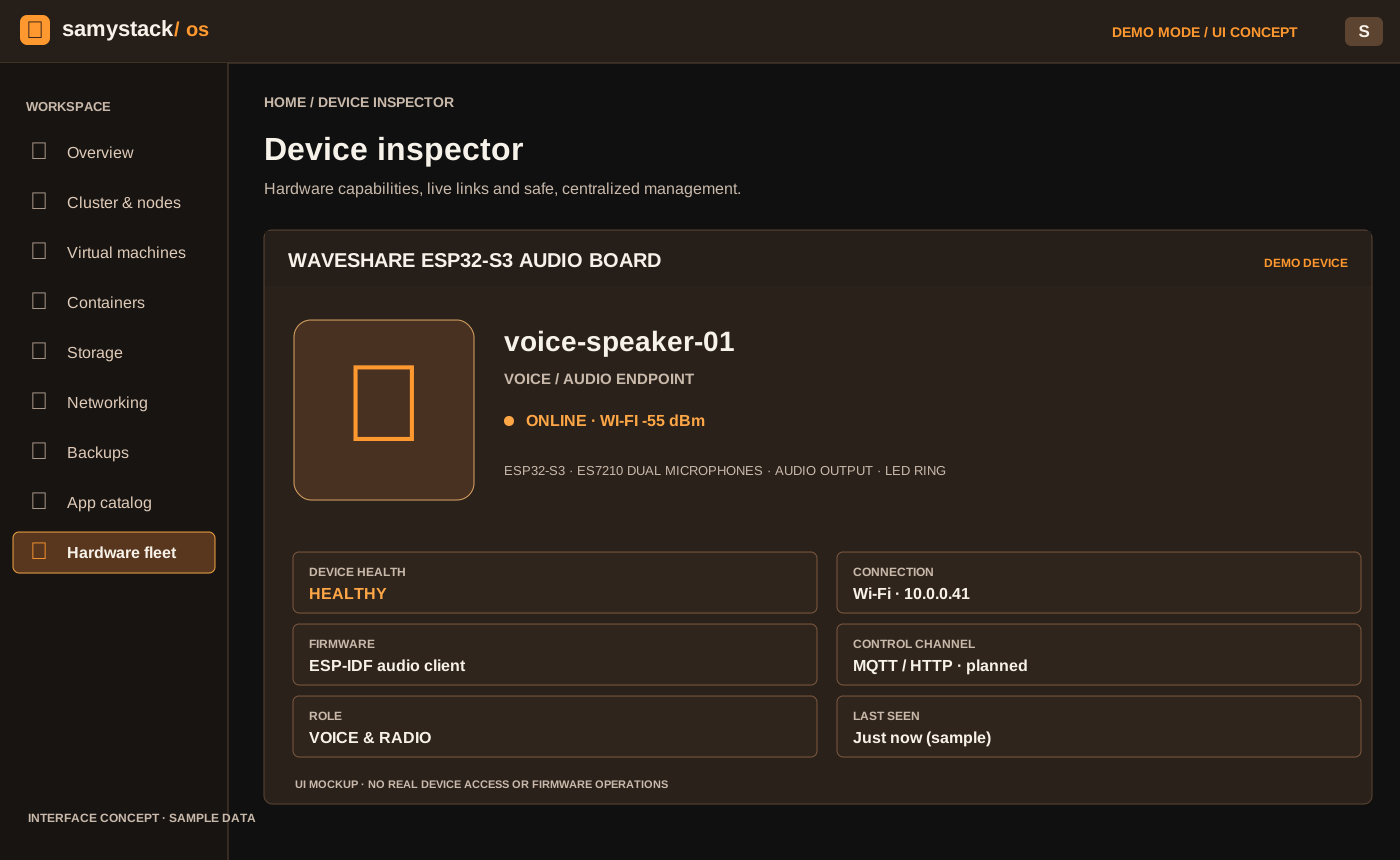
Explore the interface through a separate full-window interactive preview.